


What is Adobe LifeCycle Designer?
The SAP Adobe LifeCyle Designer is a tool that allows you to define both the layout and the logic of a form. The program of the company ADOBE is independent of SAP. You use the Adobe Lifecycle Designer to create forms for mobile devices that adapt to different screen sizes. They create forms that are optimized for both print and the web. The designer is a component that is installed locally.
Table of Contents
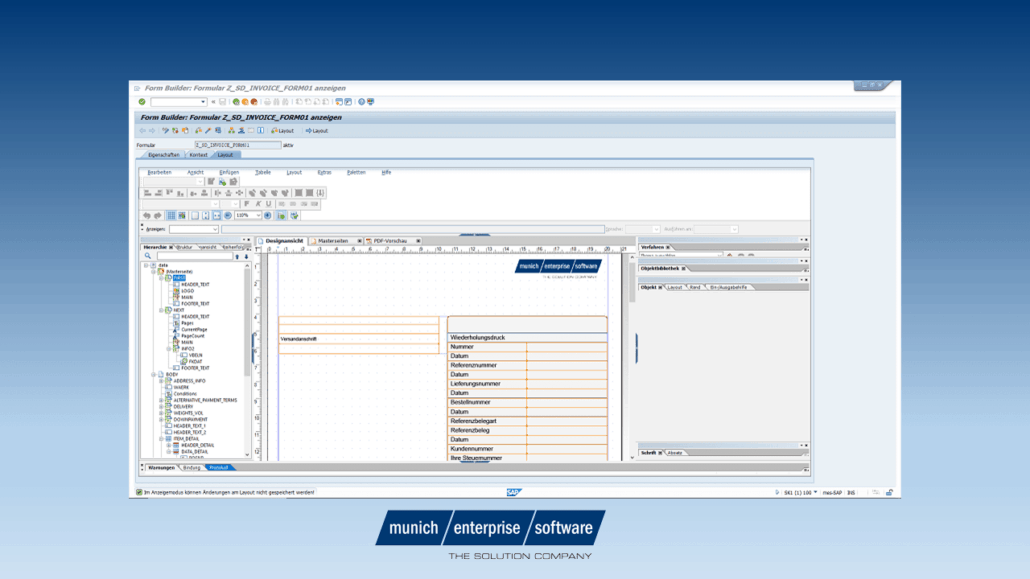
The Adobe LiveCycle Designer tool is integrated with both ABAP Workbench and SAP NetWeaver Developer Studio.
For the SAP environment, although it is an external tool, the Adobe LifeCycle Designer for SAP is fully integrated into transaction SFP.
We have summarized an important aspect for the installation in the following article. Do you have any questions about this? Then just contact us. We look forward to hearing from you.

SAP Adobe
How do you install Adobe LifeCycle Designer?
We have briefly summarized below which software must be installed on your computer to work with Adobe LiveCycle Designer
SAP GUI for Windows – During installation, you must make sure that the Adobe LiveCycle Designer is also installed.
Adobe Reader – Please make sure you always use Adobe Reader in the latest version. This is especially important for interactive functions. For more information, see SAP Note 834573.
Interactive Forms – If you want to work with interactive forms, you may need the Active Component Framework (ACF) component on your PC. For more information, see SAP Note 766191.
Do you want to install/patch Adobe LifeCycle Designer on your local computer or update your existing installation? You will need the installation files, the appropriate SAP version and a Windows PC.
The following requirements apply to version 11
Adobe LifeCycle Designer 11.0 works with the following versions of Adobe Document Services (ADS):
- SAP NetWeaver 7.31 SP-16 and higher
- SAP NetWeaver 7.40 SP-11 and higher
- SAP NetWeaver 7.50
- SAP Cloud Platform Forms from Adobe
Note: You can use Adobe LifeCycle Designer 11.0 with older ADS versions. For more information, see SAP Note 1317925.
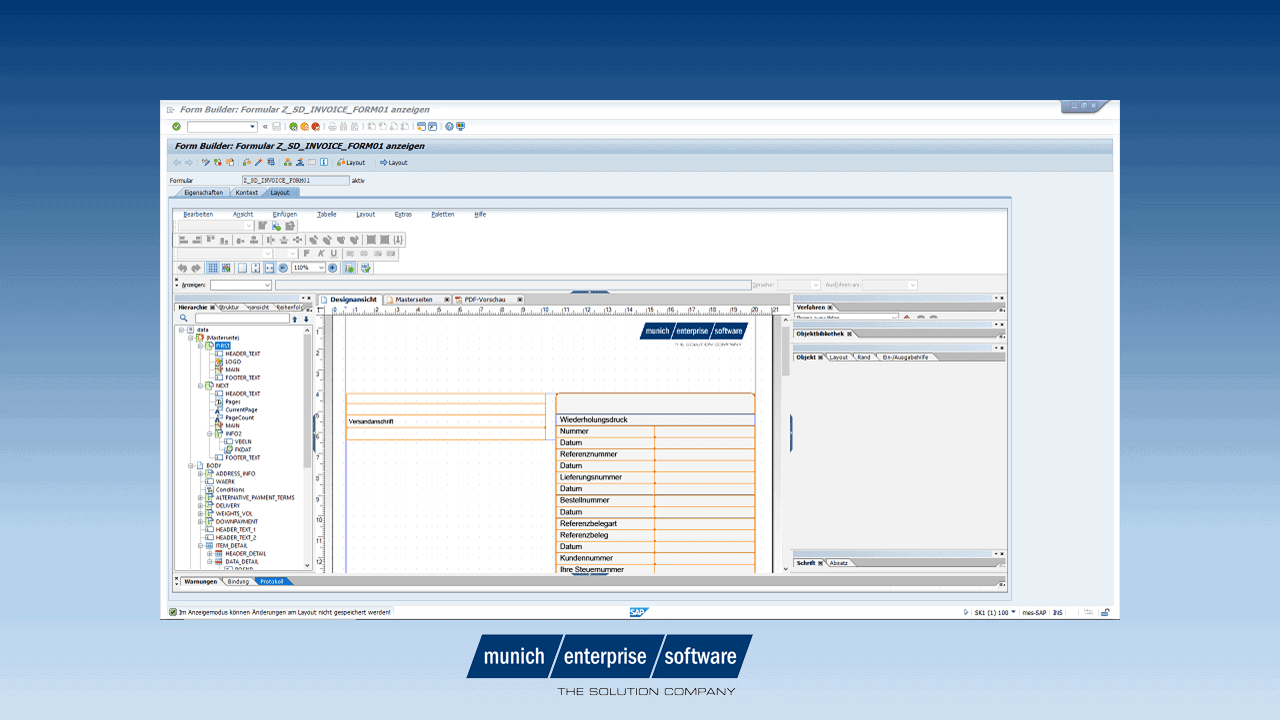
SAP Adobe Lifecycle Designer
Operating Systems
Adobe LiveCycle Designer 11.0 is supported on the following Windows operating systems:
- Windows 7 (32bit and 64bit)
- Windows 8.1 (32bit and 64bit)
- Windows 10 (32bit and 64bit)
- Windows Server 2008 X64
- Windows Server 2008 R2 X64
- Windows Server 2012 X64
- Windows Server 2012 R2 X64
- Windows Server 2016 X64
Download Adobe LiveCycle Designer
Download procedure – The installation has already been described in various SAP notes. The last valid one is the SAP Note 2187332. To download, install, or update Adobe LiveCycle Designer, follow the instructions in this note. The individual actions are described in detail there.
The Adobe LiveCycle Designer is connected to the installation of the SAP GUI. Adobe LiveCycle Designer 11.0 is supported with SAP GUI Server version 7.40 and later.
LiveCyle Designer from ADOBE or SAP?
Adobe’s Adobe LiveCycle Designer is Adobe’s original, standalone form design tool for creating interactive PDF forms, independent of SAP systems. The SAP Adobe LiveCycle Designer is a variant provided and licensed by SAP that has been specially adapted for SAP Interactive Forms by Adobe and is deeply integrated into the SAP system landscape.
For SAP customers, only the SAP version is usually relevant, as it can be used without an additional Adobe license and works directly with SAP data and processes.
In the installation, you can determine which designer is installed. In Windows – > Control Panel – Programs and > Features, select the Publisher value for Adobe LiveCycle Designer 11.0. If SAP SE is displayed as the publisher, use the version of LiveCycle Designer delivered by SAP.
SAP Adobe Lifecycle Designer

